Use stages that match buyer progress
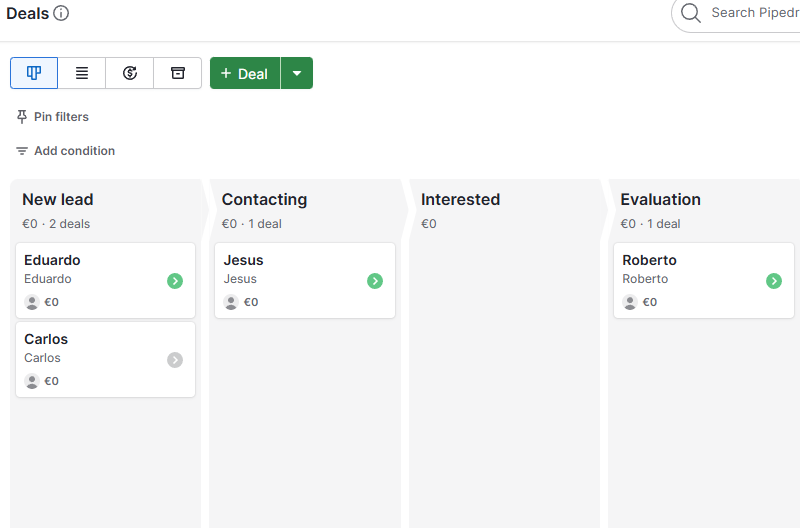
Do not create stages based on internal wishes. Create stages based on what the buyer has done or agreed to do.
- New lead: the opportunity exists but has not been contacted.
- Contacting: outreach is active and a next activity is scheduled.
- Interested: the prospect has shown real fit or intent.
- Evaluation: proposal, demo, or decision process is underway.
- Won or lost: the outcome is clear and logged.
Make activities non-negotiable
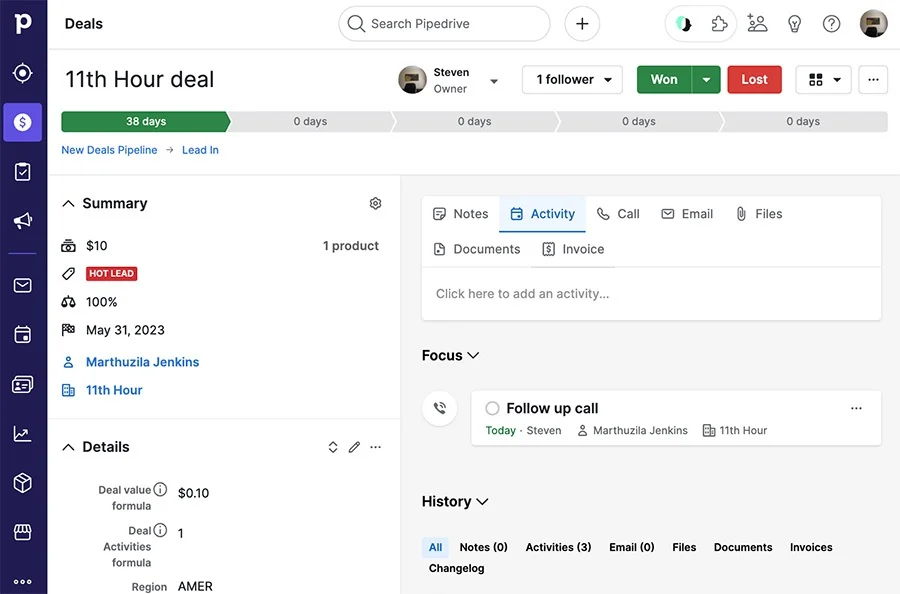
Pipedrive shines when every active deal has a next activity. That one behavior prevents the most common CRM failure: leads disappearing after the first conversation.
Keep fields simple
Track source, deal value, priority, expected close date, and qualification notes. Add more fields only if they change follow-up, reporting, or forecasting.
Build reports around movement
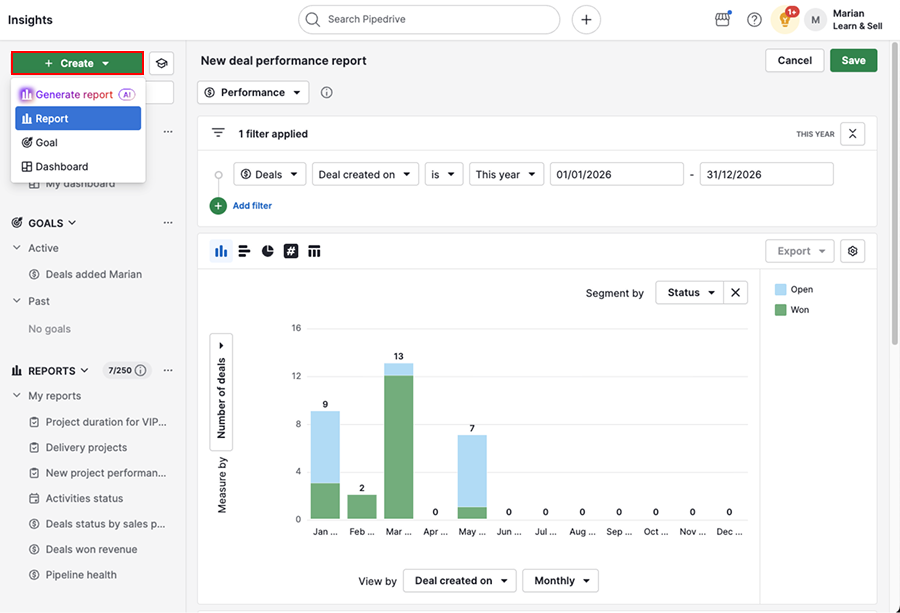
Review stage conversion, overdue activities, deals added, won revenue, and deals with no next activity. These reports tell you whether the pipeline is alive.