Start with the sales process
Before choosing fields or workflows, define what happens from lead capture to closed won. The CRM should make the next action obvious for every opportunity.
- Define each pipeline stage in plain language.
- Decide what must be true before a deal can move forward.
- Assign ownership rules for inbound, outbound, referrals, and partners.
- Document what counts as a qualified lead.
Decide what data actually matters
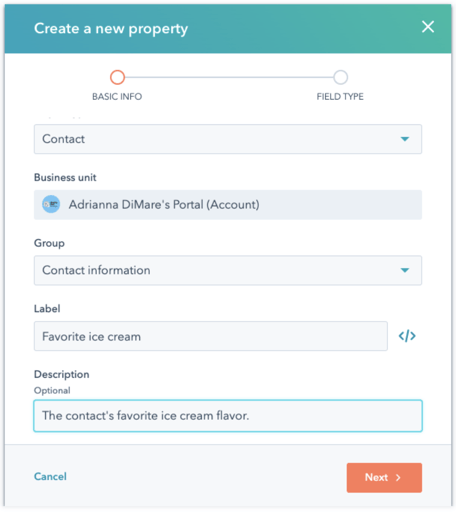
Most CRMs become hard to use because they collect too many fields. Track the fields that help your team prioritize, follow up, forecast, or report.
Clean imports before they become permanent
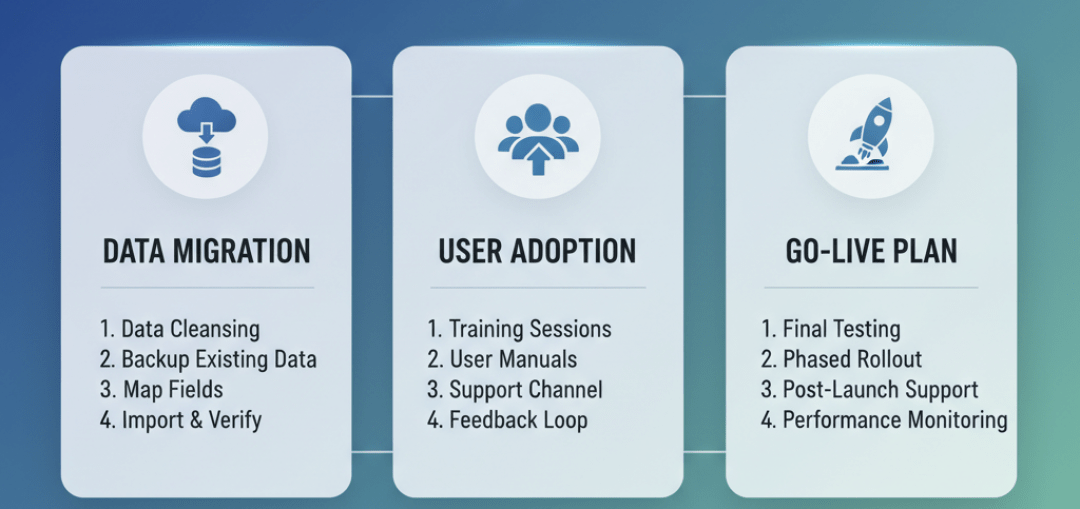
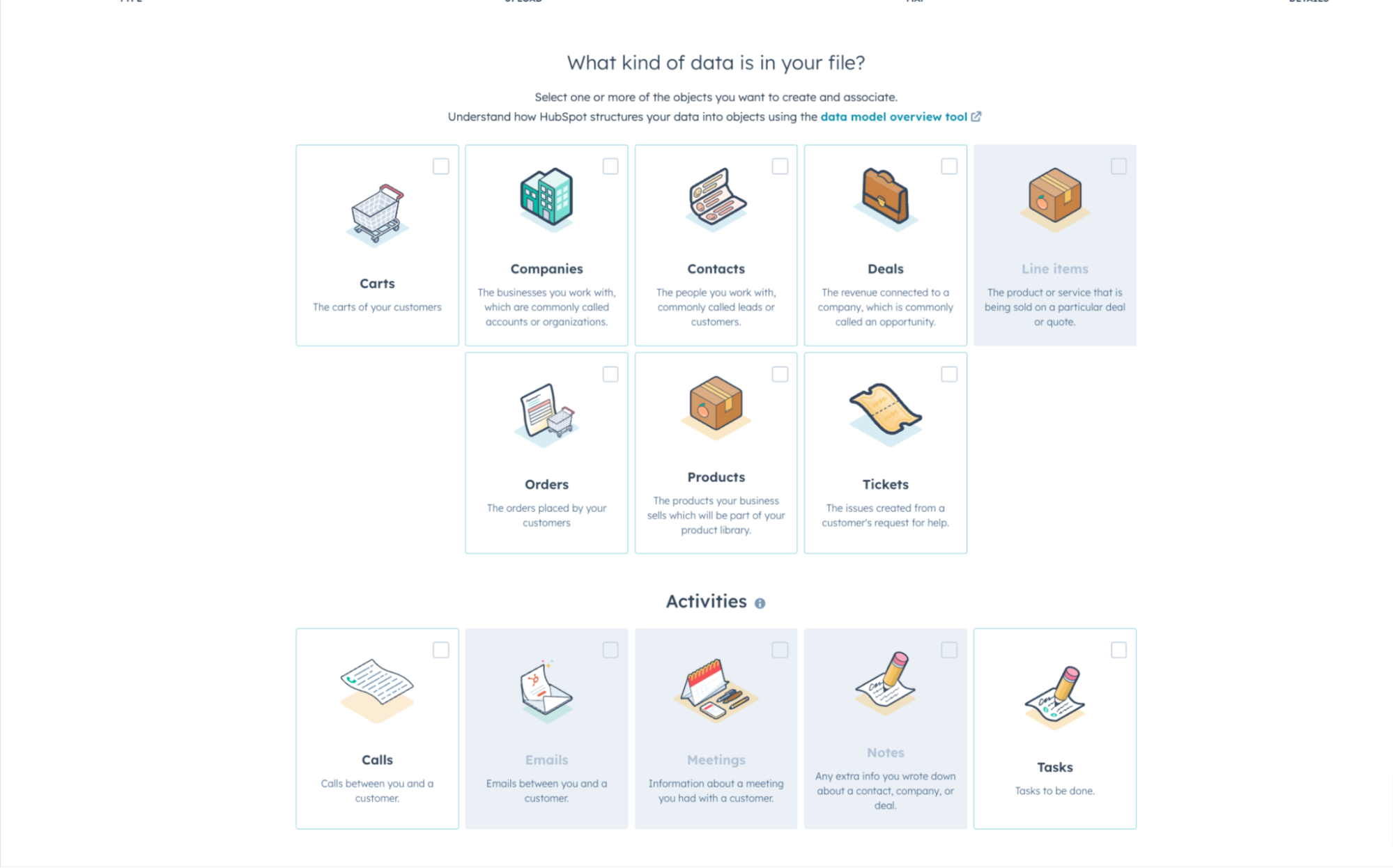
If you are bringing contacts, companies, deals, tickets, or activities into a new CRM, decide what each record type means before importing. Clean imports make workflows, segmentation, and reporting much easier later.
Build the minimum automations first
Automation should remove repeat work without hiding the process. Start with routing, follow-up tasks, stale deal alerts, and handoff notifications.
- New lead assignment
- Follow-up task creation
- Stage-based internal alerts
- Closed-won delivery handoff
Finish with reporting and adoption
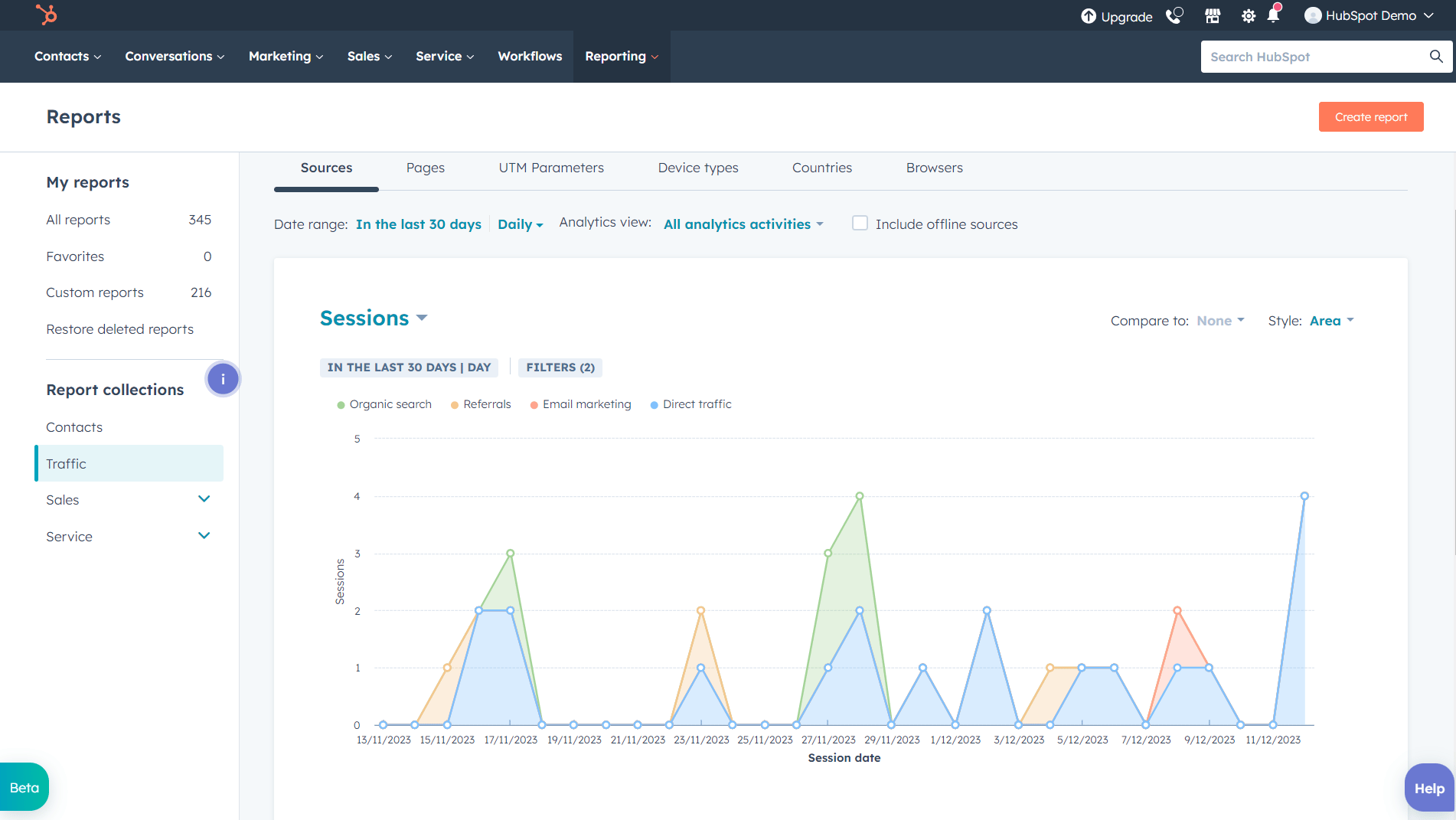
Dashboards should support weekly management, not impress people once. Build reports for lead sources, stage conversion, activity completion, revenue forecast, and stuck deals.