1. New lead routing
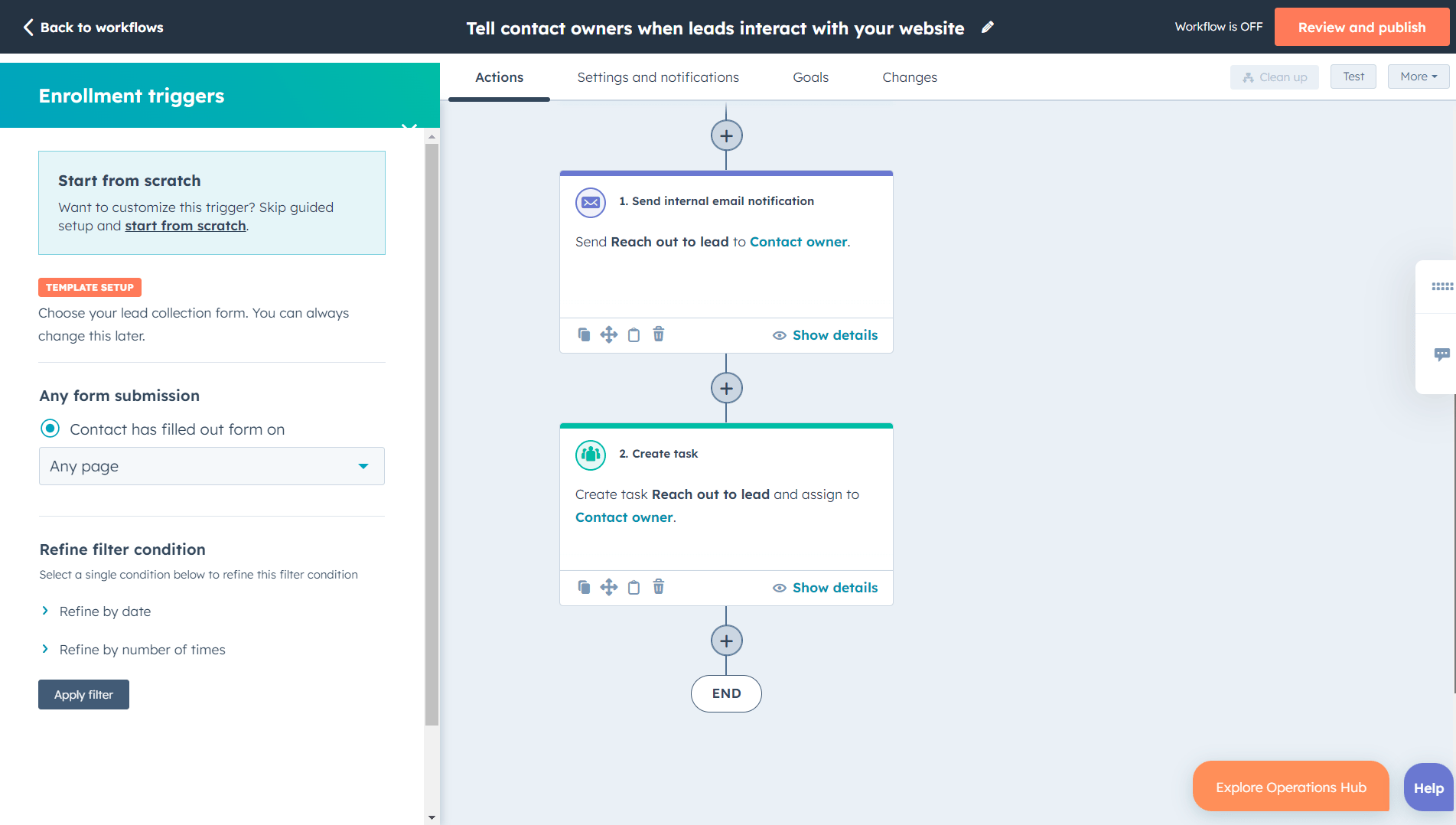
When a form, referral, spreadsheet row, or ad lead enters the CRM, assign it to the right owner and create the first follow-up task automatically.
2. Follow-up task creation
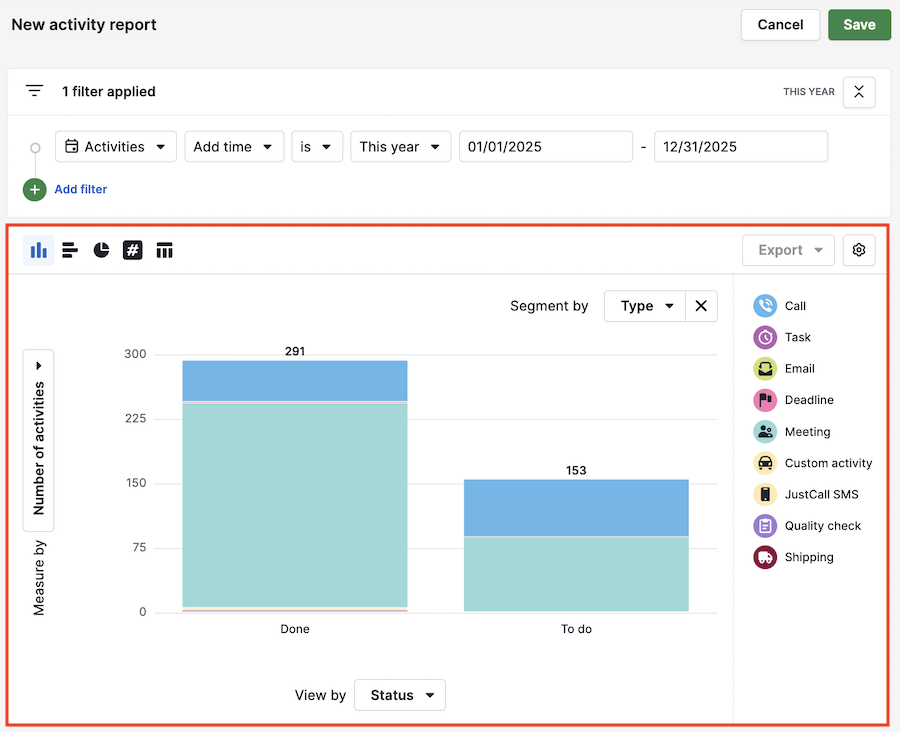
When a deal moves stages, create the next activity. This keeps the CRM focused on behavior, not only data entry.
3. Stale deal alerts
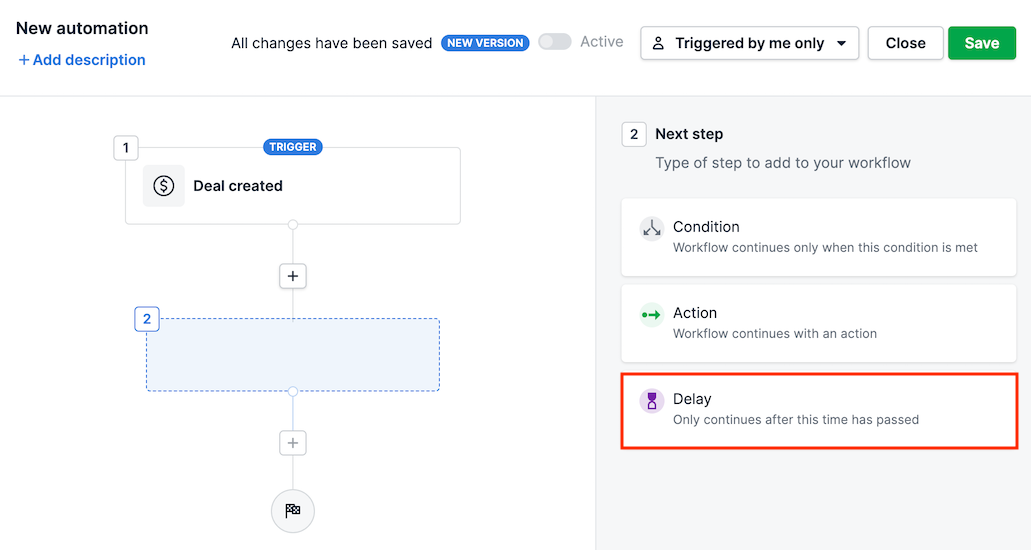
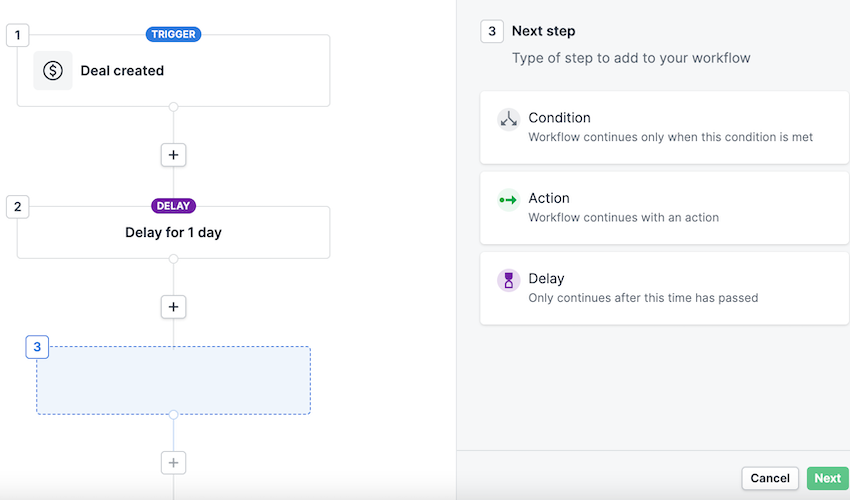
If a deal has no activity for a defined number of days, notify the owner or manager. This prevents silent pipeline decay.
4. Sales-to-delivery handoff
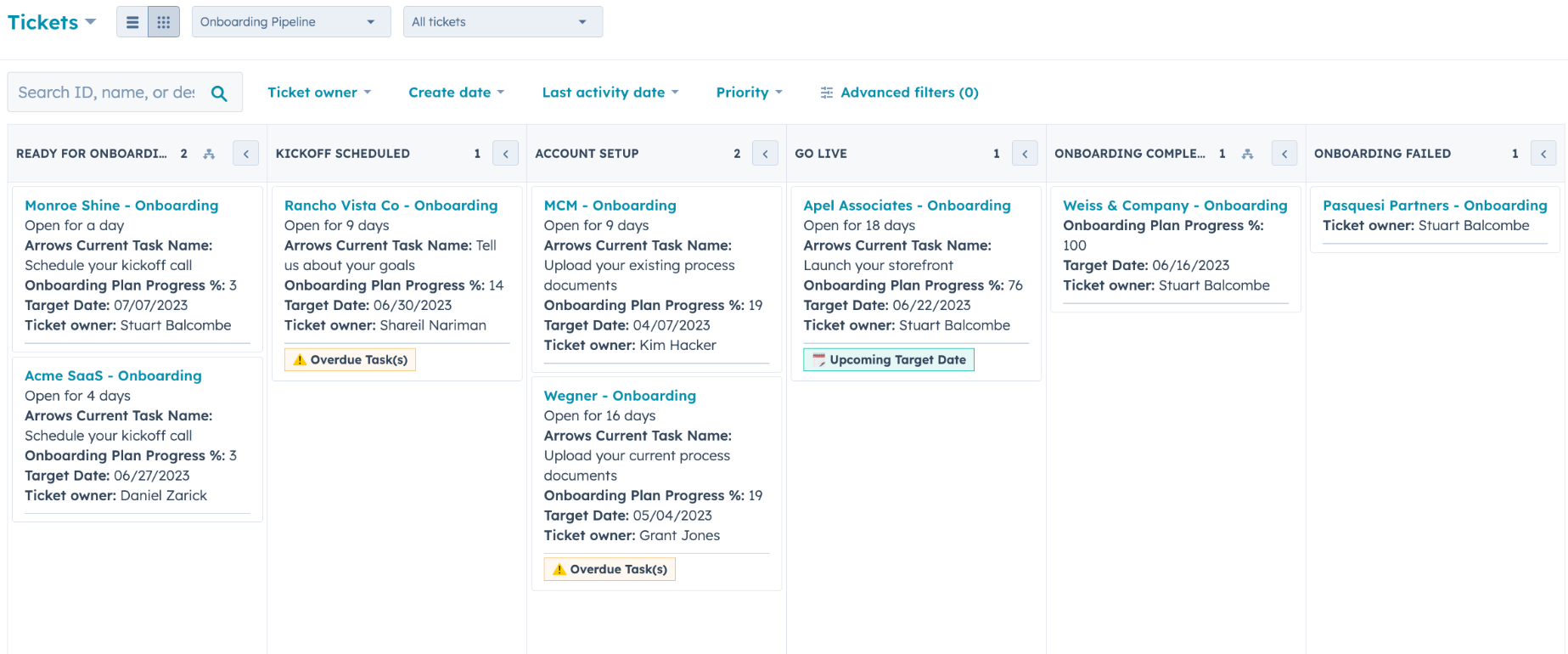
When a deal is marked won, create an onboarding ticket or delivery task with the right context, owner, and target date.
5. Weekly reporting workflow
Send managers a recurring summary of new leads, deals added, overdue activities, conversion rate, and won revenue. The goal is to avoid manual spreadsheet reporting.